
Start with what you need. Add more whenever you like.
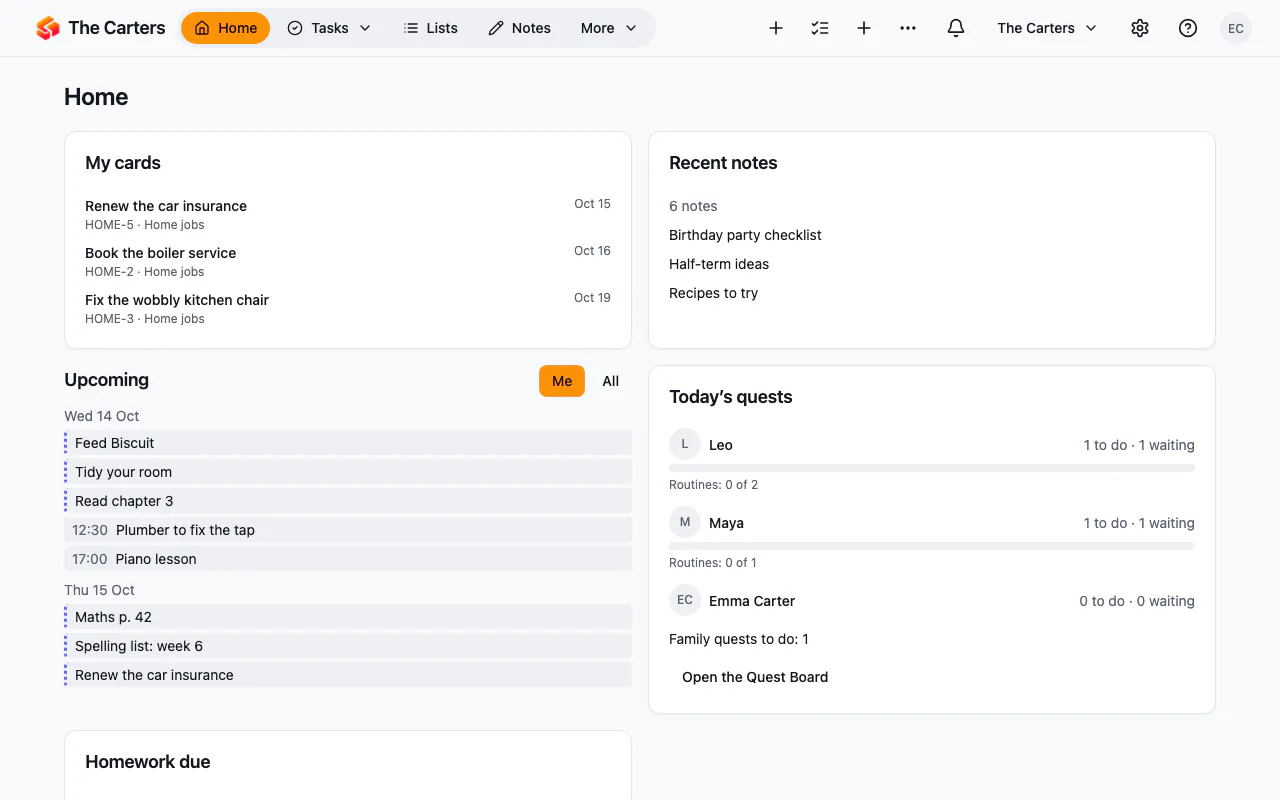
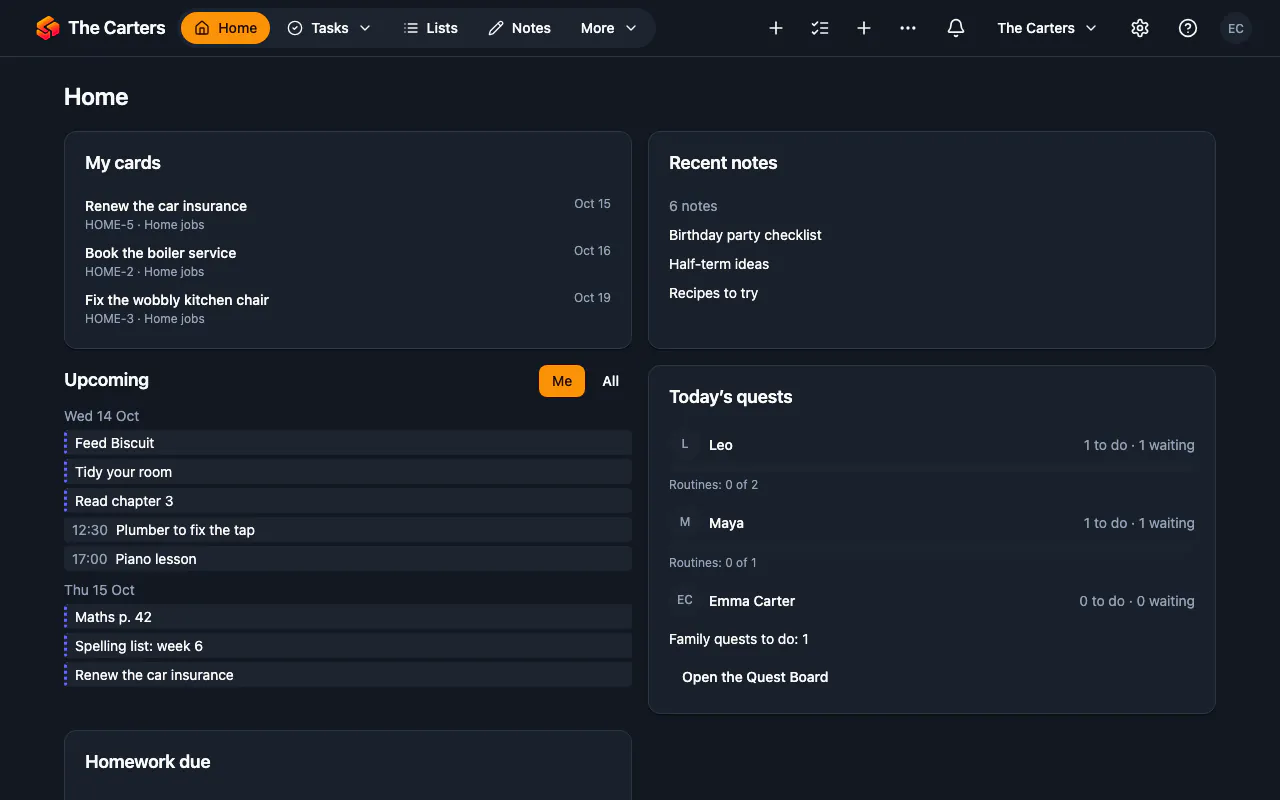
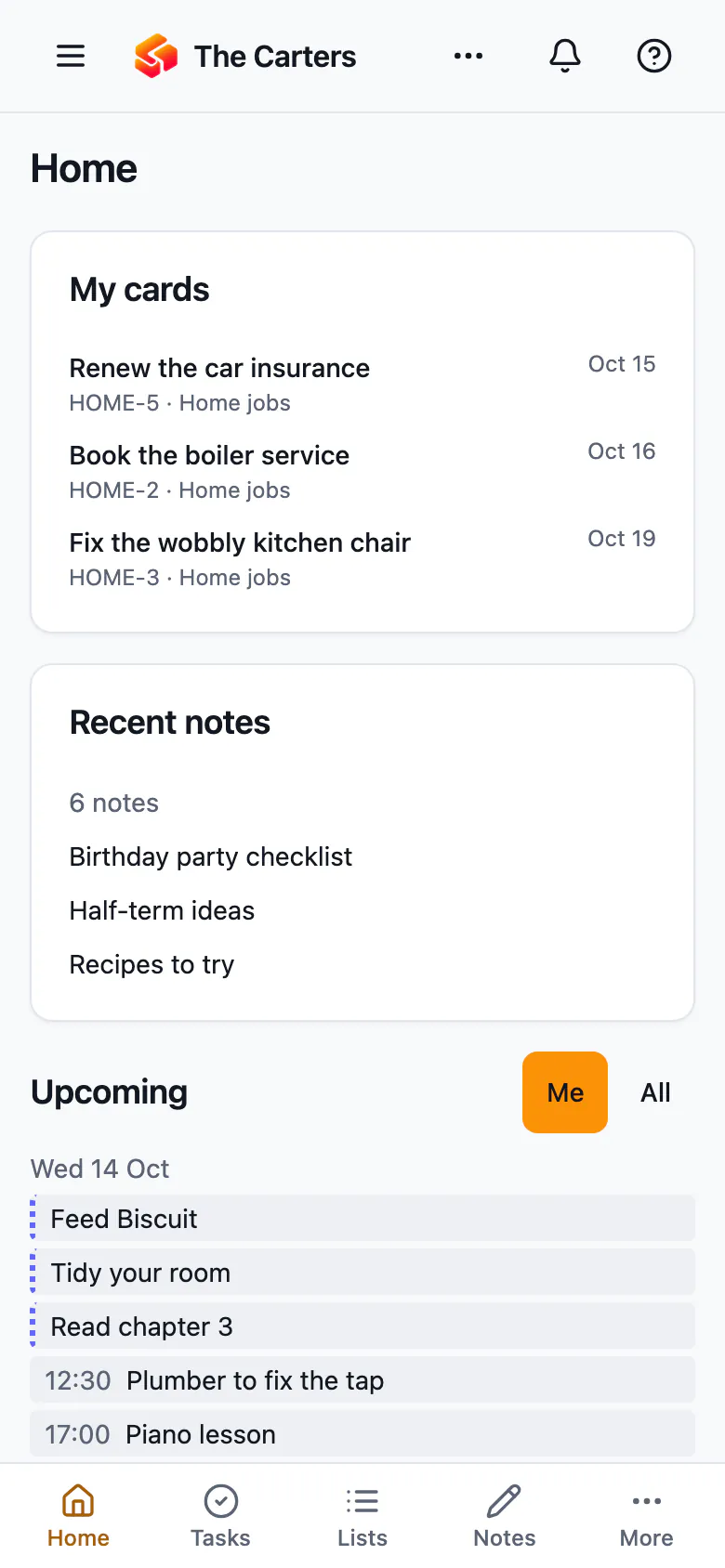
A private space for you, your family or your friends. Pick what you need — budgets, meals, school, routines, trips — and Solaristack sets itself up. Every part is a plugin you can add, or switch off, whenever you like.
In your language, with more on the way · On the web today · iPhone and Android apps on the way
Tell us what you need
Pick up to 3. We’ll show you the plugins that do it — every one included, free.
A workspace that grows with you
Every part is a plugin. Switch one on and it joins your menu, your calendar and your search. Switch it off and its data waits, untouched, until you come back.
Try it — switch a few on:
New plugins arrive regularly. Some start in limited access, for chosen workspaces; once a plugin is open to all, it is yours to switch on, at no extra cost.
Browse the pluginsUp and running in minutes
- 1
Pick what you need
Answer one question — no setup screens, no blank page.
- 2
Your space sets itself up
Pages, a home screen and a menu are made for you, in your language.
- 3
Invite who you want
Family or friends — everyone gets the right access. Add or remove plugins any time.
Everything works together
Plugins share one search, one calendar, one map and one set of reminders.
- One searchFind anything, across every plugin.
- One calendarDue dates, trips, meals and school in one view.
- On a mapEvery place that matters, from every plugin.
- AutomationsWhen this happens, do that — no code.
- Helpful AISuggestions in your language, only when you ask, from a provider you choose.
- RemindersOn your phone, at your own time of day.
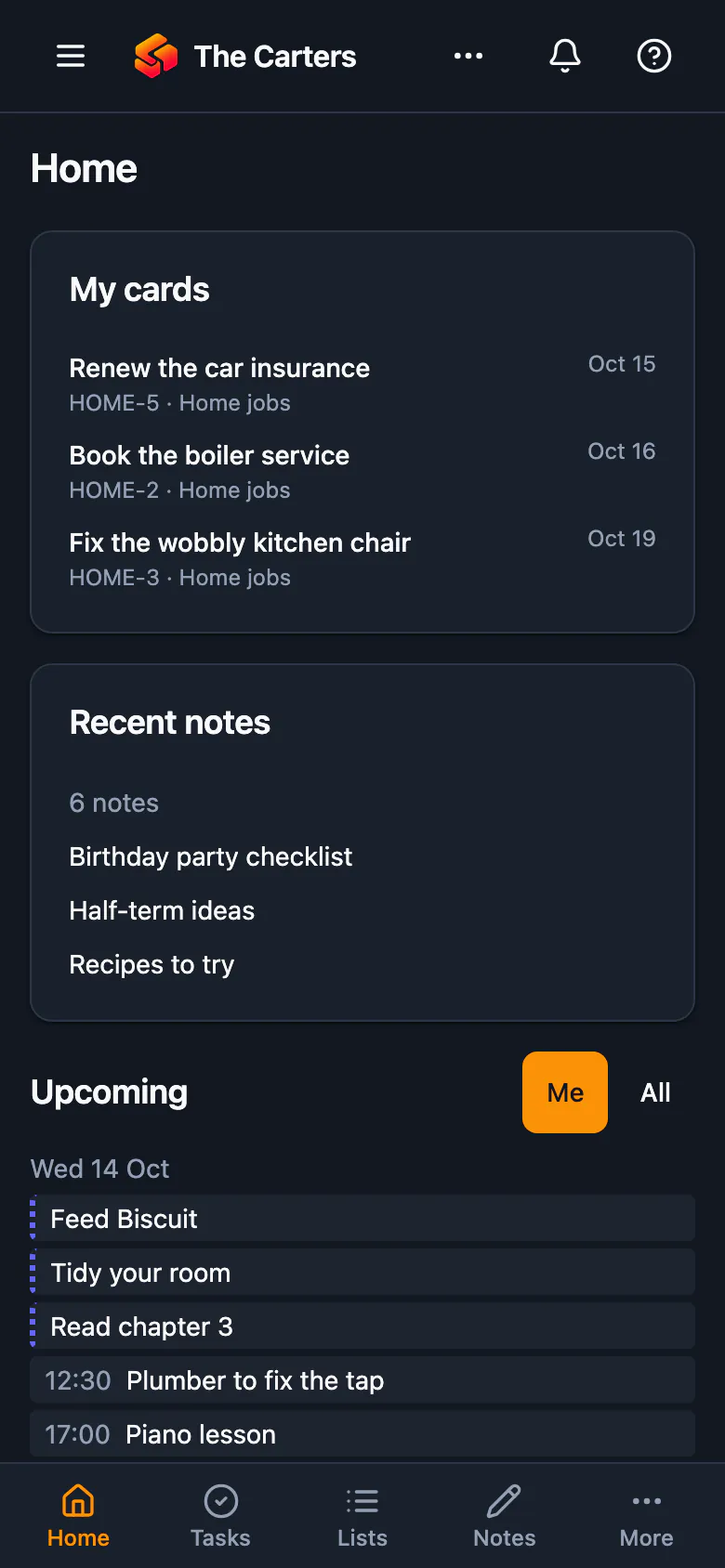
- Phone and webAdd it to your phone’s home screen; everything stays in sync.
- Private when you wantKeep an entry to yourself, or share it with the people you invited.
Your data stays yours
Take it all with you
Export everything, any time.
No ads, ever
We don’t sell your data or show you ads.
Under European privacy law
Run from Portugal under the GDPR; the Privacy policy names every kind of company that handles data, and we tell you which companies they are when you ask.
You decide who sees what
Roles for each member, and entries only you can see.
Free while we’re in beta
Every plugin, for you and the people you invite, at no cost while we open the doors.
- Every plugin open to all workspaces — and new ones once they leave limited access
- Everyone you invite
- Phone and web
- Export any time
Later: plans with more room
- More room for records and files
- More AI help each month
- More workspaces
- Founding members keep a discount
Questions
How do I join the beta?
Create an account to request a seat. Seats open in waves: once yours is confirmed you can sign in, and your space sets itself up with what you picked. If someone invites you, their link lets you in straight away.
What is a plugin?
A part of Solaristack that does one job well — a budget, a shopping list, a calendar. Switch on the ones you need; they all share one search, one calendar, one map and one set of reminders. New plugins arrive regularly; some start in limited access, for chosen workspaces, before they open to all.
Is it really free?
Yes. During the beta everything is free. When paid plans arrive, a free plan stays, with every plugin — paying gets you more room, never a plugin that was free.
Who can see our entries?
Only the people in your workspace, and each member’s role decides what they can change. Many entries can be kept to yourself, and a public link shows only what you choose to share.
Can I take my data out?
Yes, at any time: Account → Export my data downloads everything you can see as a .zip file. Deleting your account is right beside it.
Is there a phone app?
Solaristack works in your phone’s browser today, and you can add it to your home screen. iPhone and Android apps are on the way.
Does it speak my language?
Solaristack is multilingual: the app, the help and every plugin follow the language you choose, and more languages are added over time. Pick yours from the language menu at the top or the bottom of any page.
Ready when you are
Start with one thing. Add the rest when it helps.