
Files
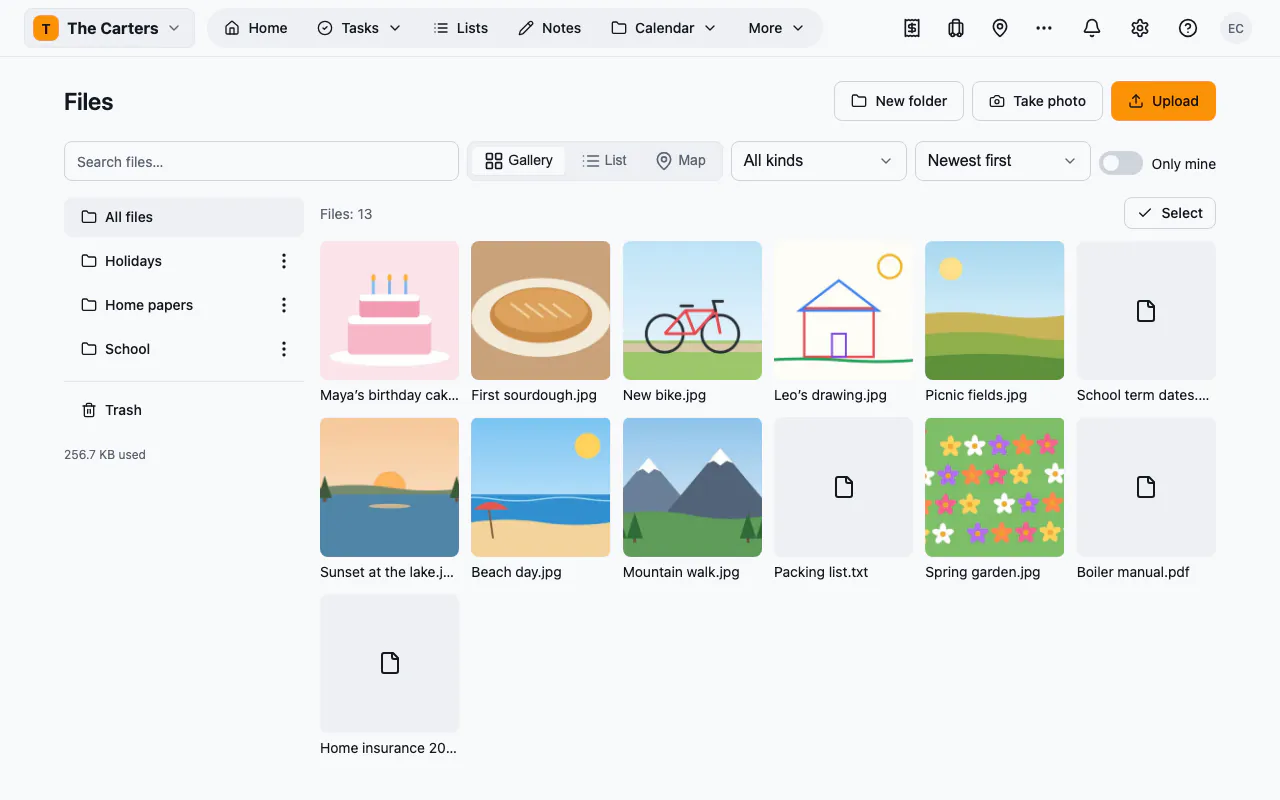
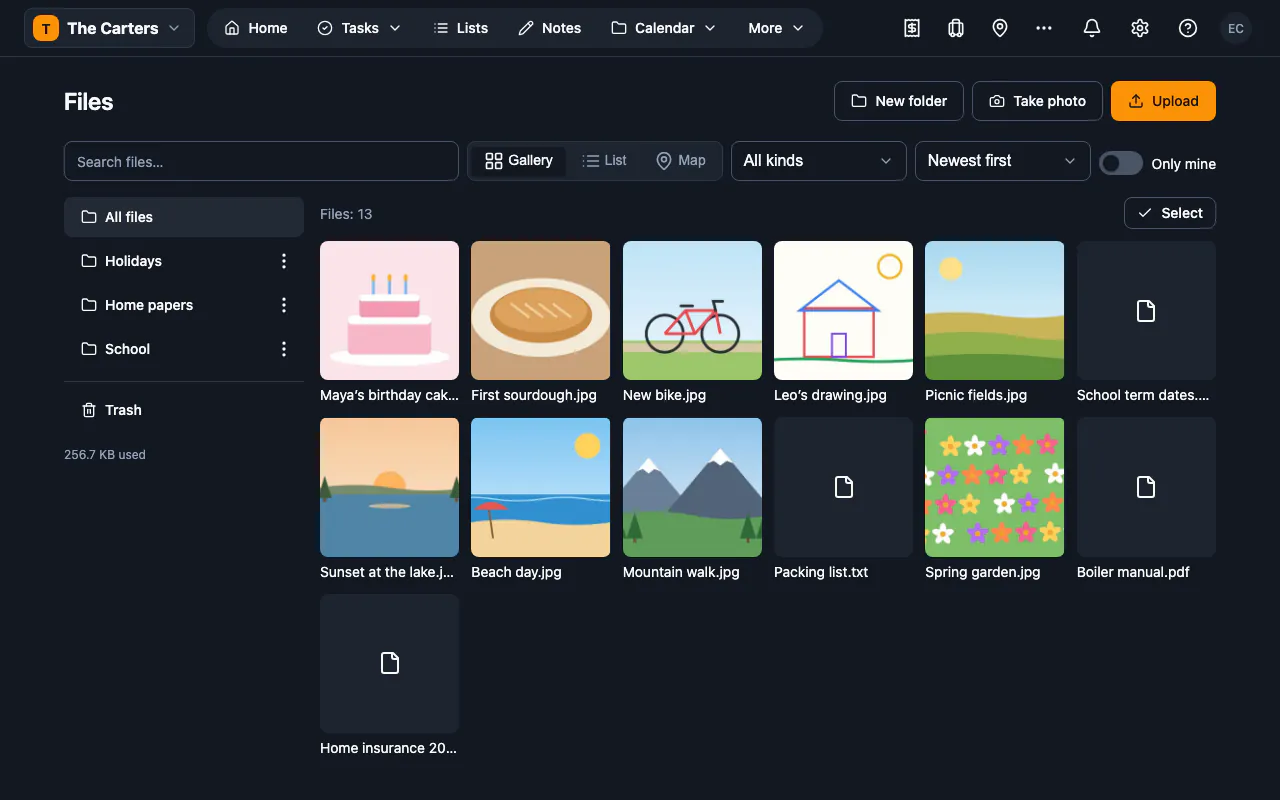
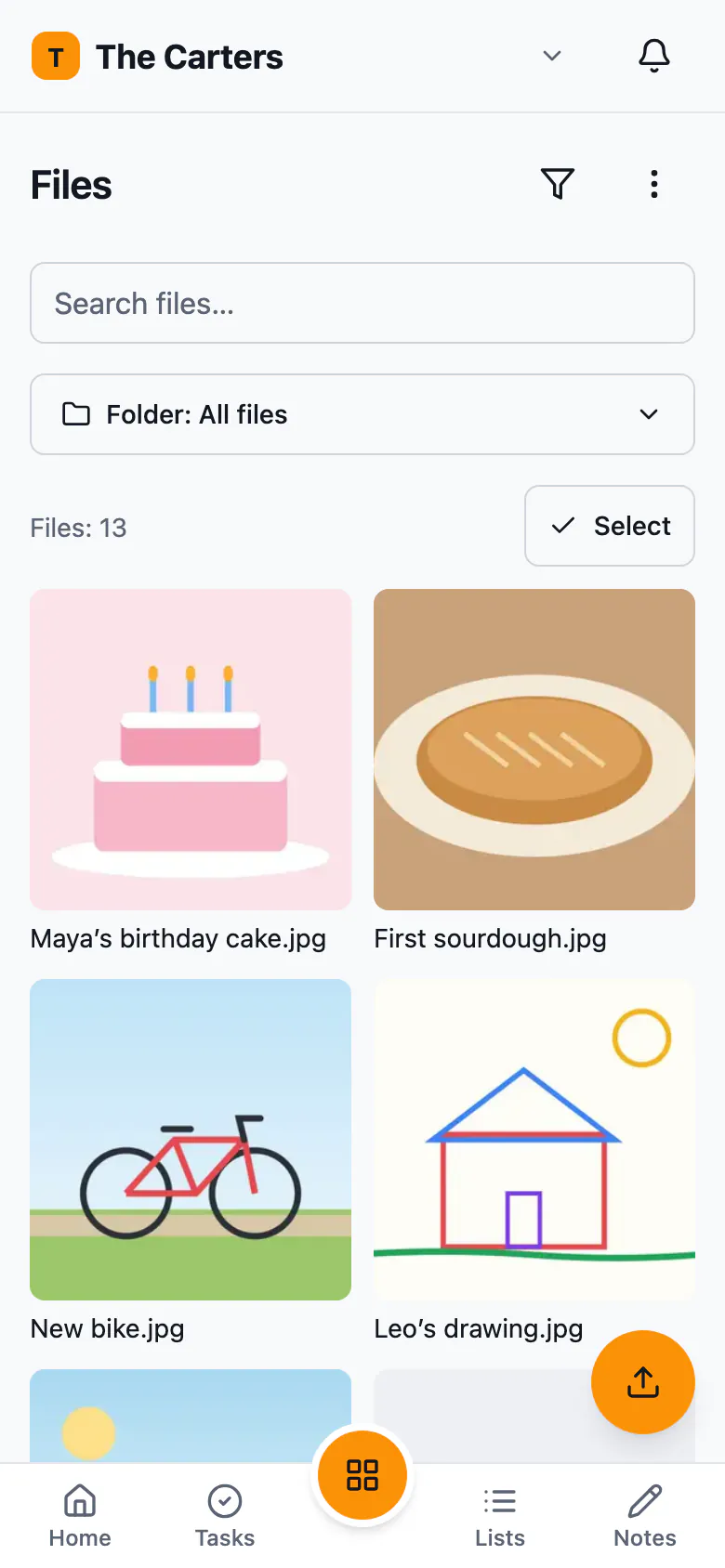
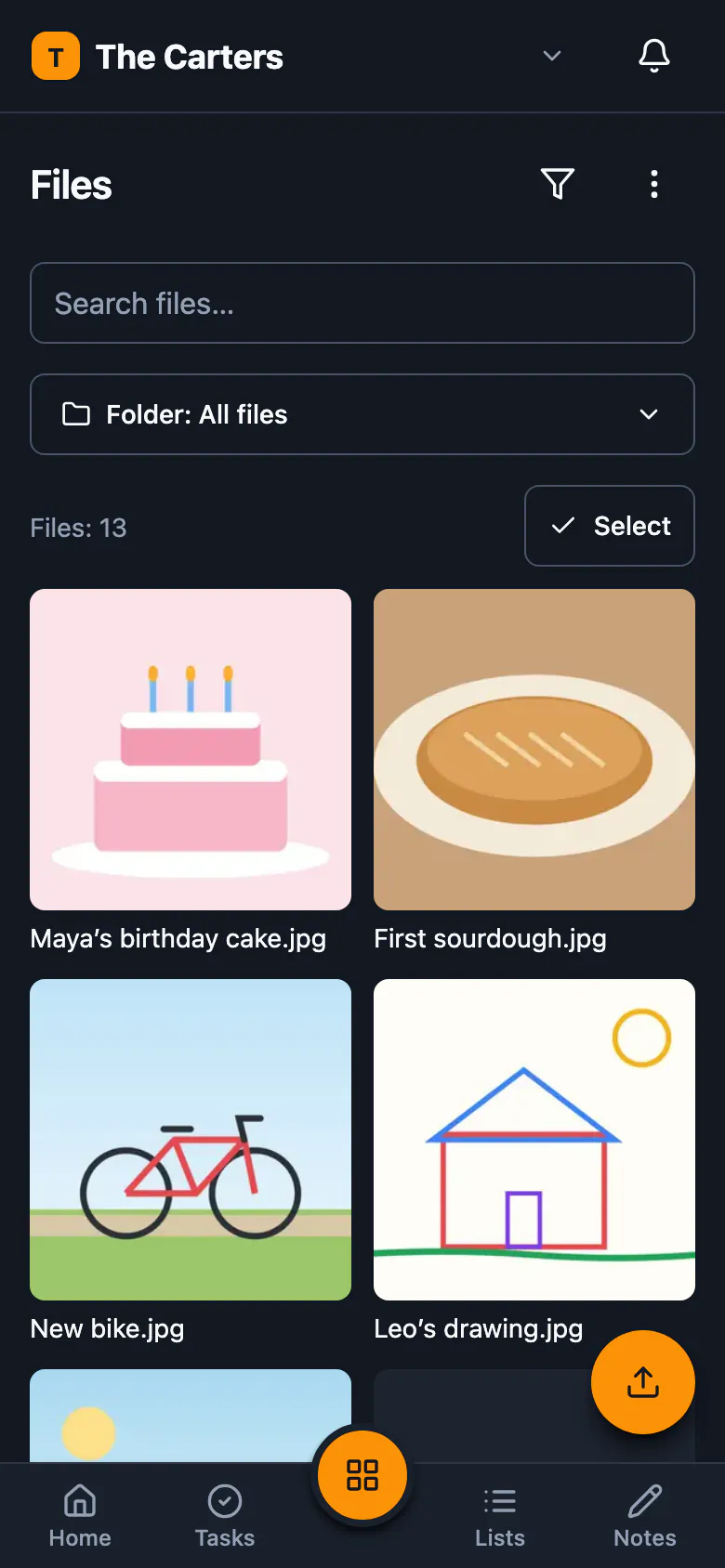
Keep your workspace's files in one place: upload them, sort them into folders, find them again, and share them — as a gallery, a list or a map.
Part of: Information and tools
What you can do
- Upload many at onceDrop files onto the page or a folder, or take a photo on your phone, and see first which ones are already there.
- Folders and a trashSort files into folders inside folders, and restore anything you deleted from the Trash for 30 days.
- Find it againSearch by name, filter by kind and sort by date, name or size; file names show up in the workspace search too.
- Preview and galleryPreview images, videos, audio, PDFs and text files, and go through photos full screen with a swipe.
- Photos on a mapPhotos with GPS data land on a map as you upload them, and you can set any file's location by hand.
- Share by linkShare a folder as a gallery anyone with the link can download, or copy a private file's link that lasts an hour, a day or a week.
What’s new in 1.1.7
Works with your other plugins
Turn on another plugin and Files works with it — nothing to set up.
- AutomationsAutomations can react to what happens in it.
Versions
- 1.1.7Nov 6, 2026Current
- 1.1.6Oct 23, 2026