
Notes
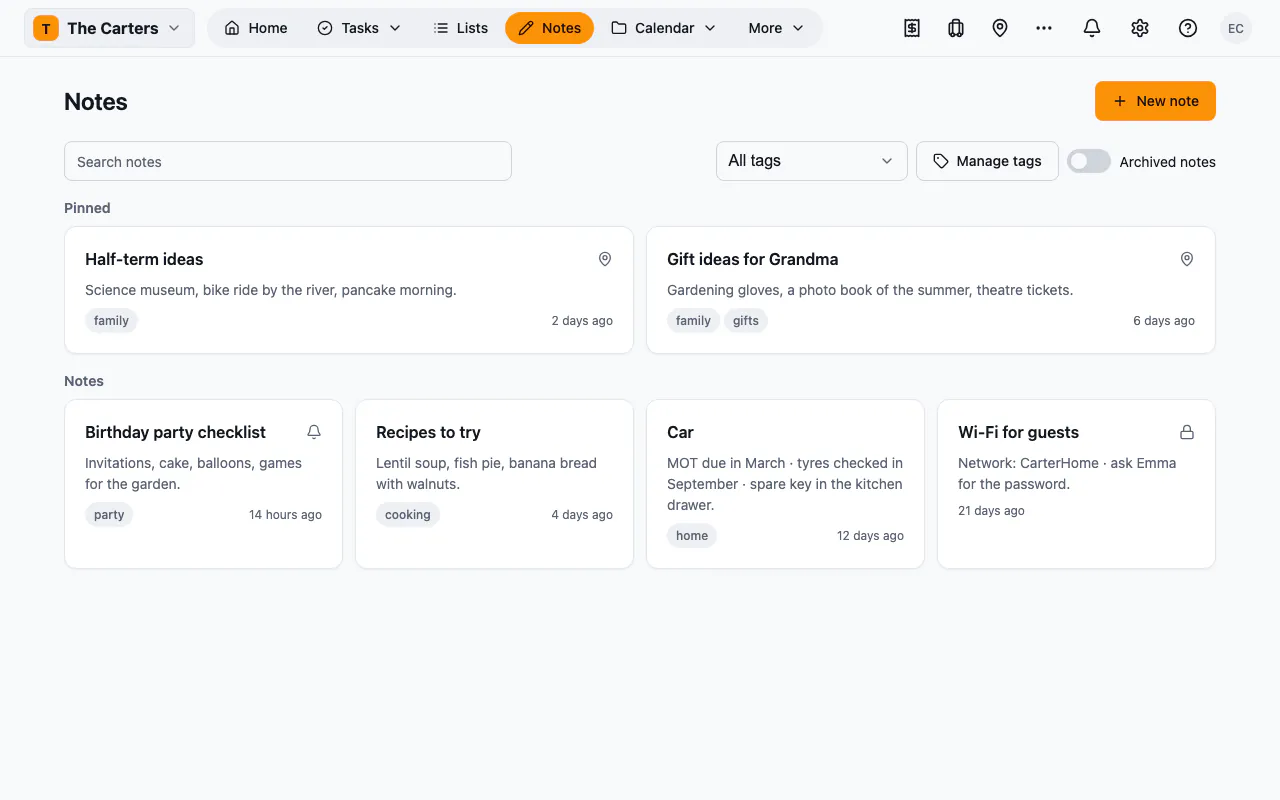
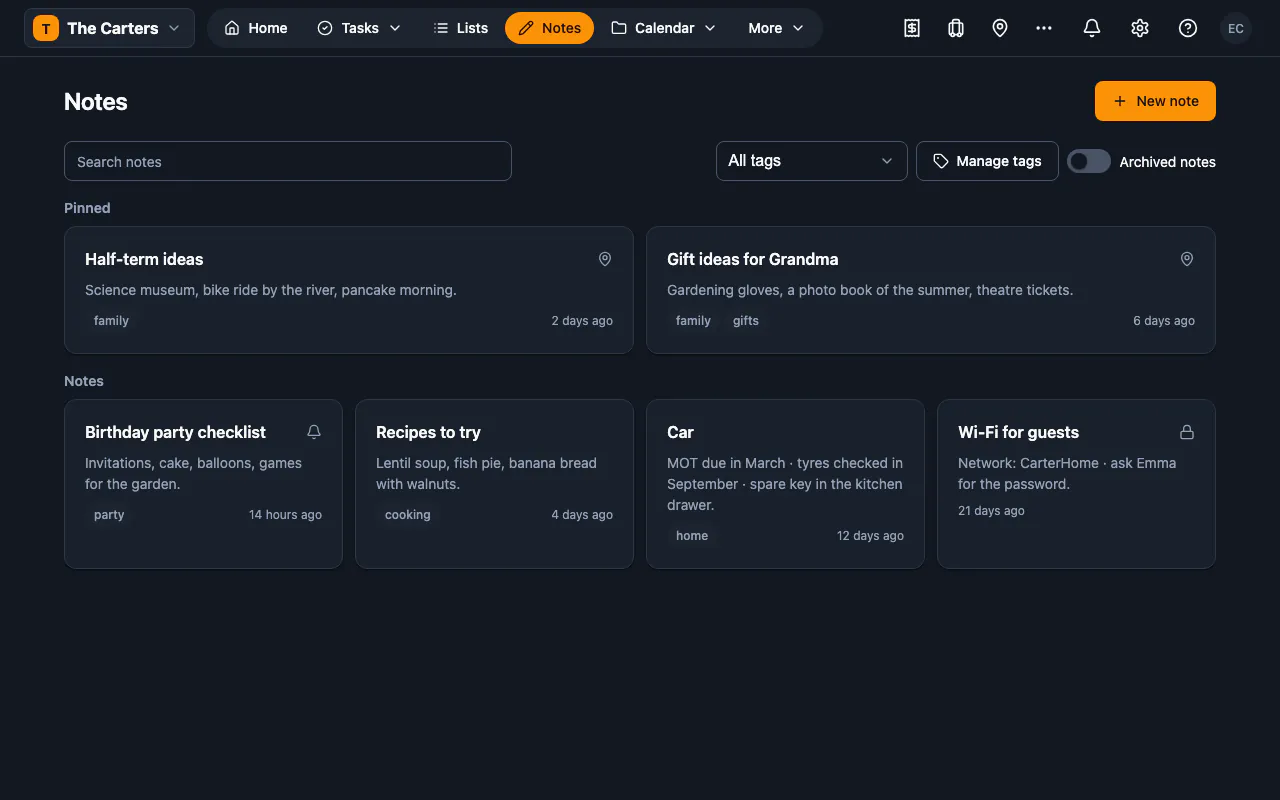
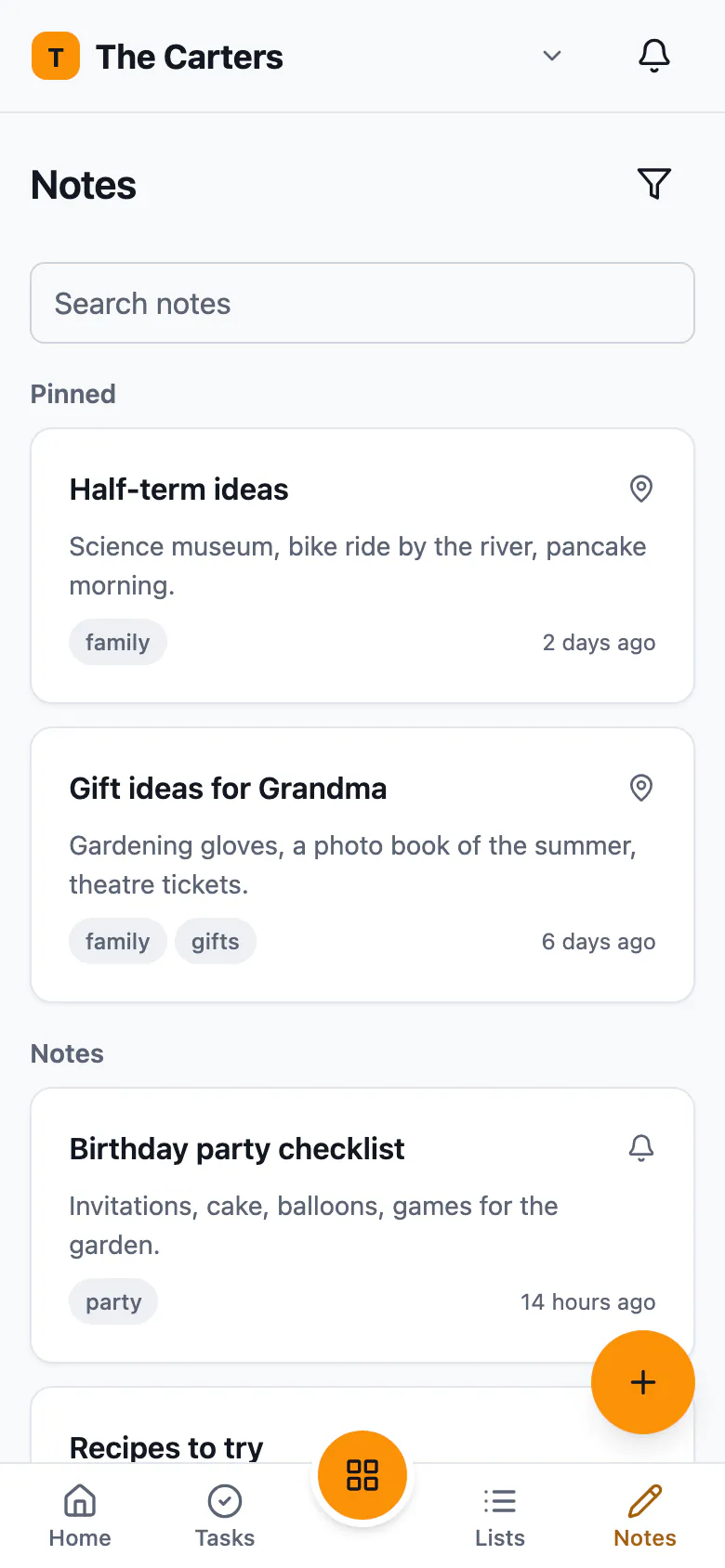
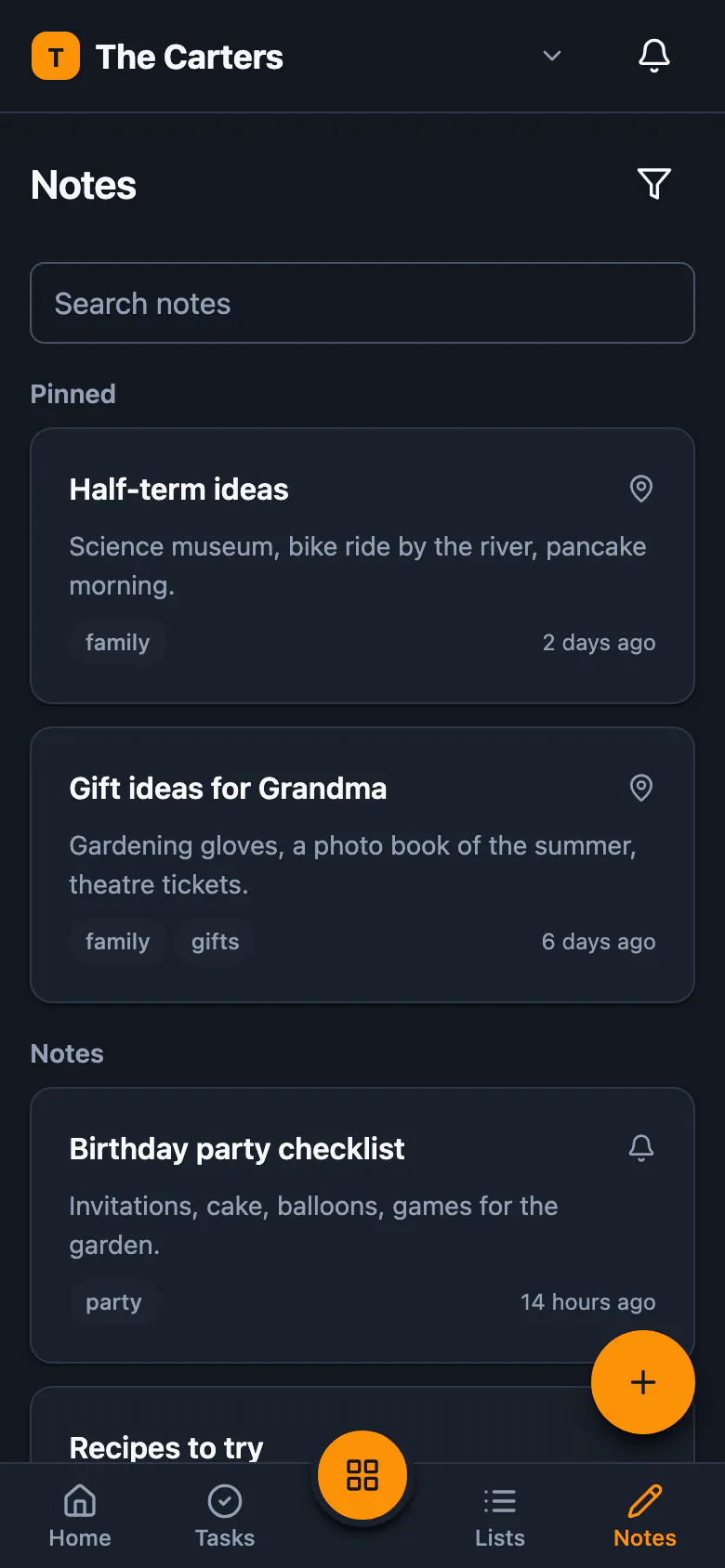
Write notes in Markdown and keep them in order: tag them, pin the important ones, archive the rest, keep some private and link them to the records they are about.
Part of: Organise tasks, lists and notes
What you can do
- Write in MarkdownWrite with headings, lists, links and checklists, using a formatting toolbar and a preview as you go.
- Keep them in orderTag your notes, pin the important ones, archive the rest, and search them by title and text.
- Private notesMake a note private and only you see it, in the list, in search and anywhere it is linked.
- Link to recordsLink a note to a card, a transaction, a person or any other record, and see its preview from there.
- AI helpWith AI set up, get a suggested title and tags, a tidier version beside yours, a checklist of your to-dos, or a short summary.
- RemindersSet a reminder on a note for a day and time, and get a notification then.
What’s new in 1.1.6
Works with your other plugins
Turn on another plugin and Notes works with it — nothing to set up.
- TimelineIts dates on the shared calendar.
- SearchIts records in the one workspace search.
- AutomationsAutomations can react to what happens in it.
- AI helpSuggestions and summaries, only when you ask.
Versions
- 1.1.6Oct 23, 2026Current